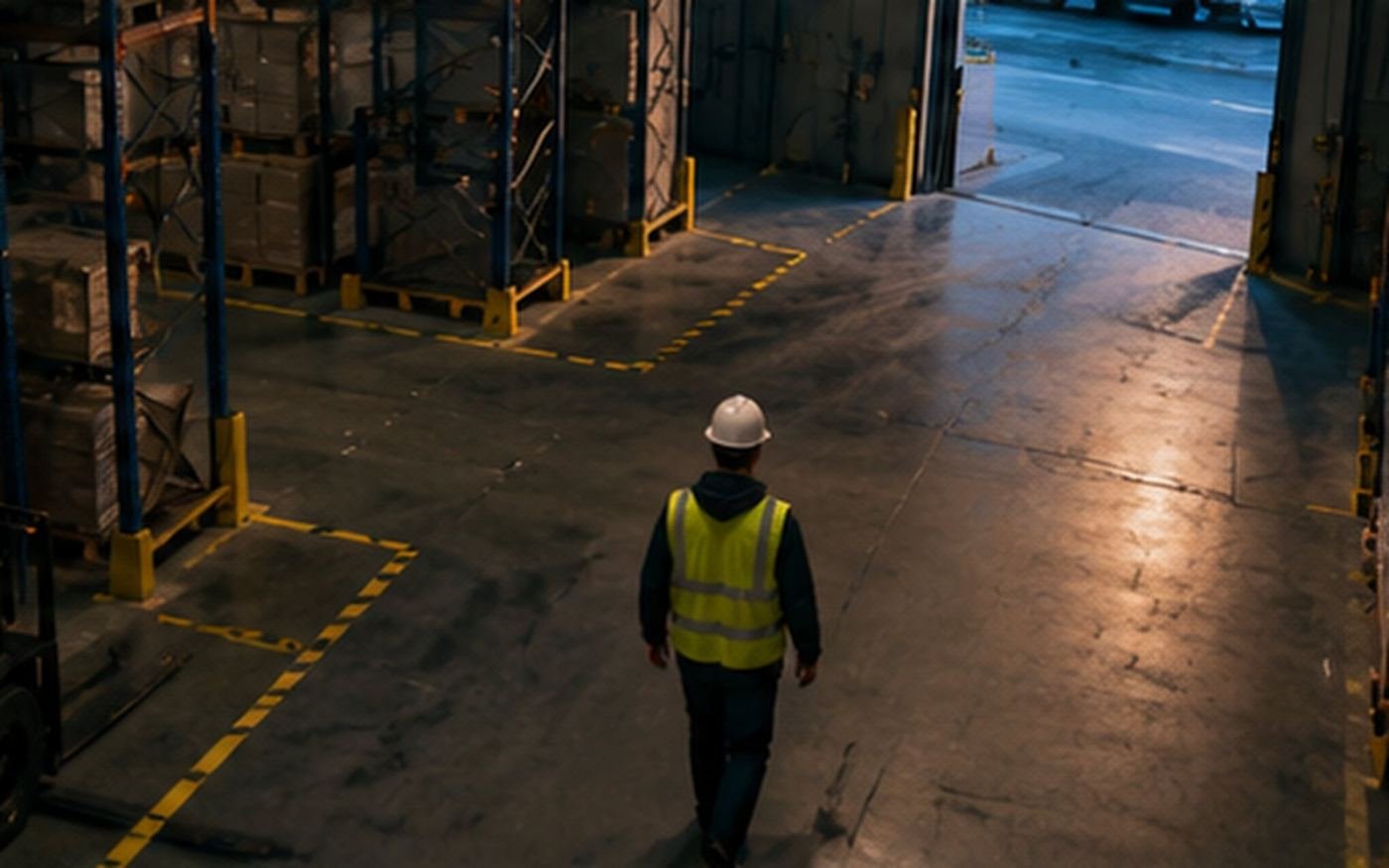
So the shift goes home in one piece.
Someone where they shouldn't be, a person on the floor, a blocked exit: the supervisor finds out right then, not in Monday's report.
June watches the zones you marked restricted, the posts that can't be left empty and the aisles that can't be blocked.
Pallet in the exit
Four hours. Nobody saw it.
The report comes Monday
When it's no longer useful.
June alerts the supervisor
Right then, with the photo.
This is what June sees
This is how June draws on the photo of your place: the zones you marked, what is inside them and for how long. The same thing you will see in your panel and what reaches you in the alert.
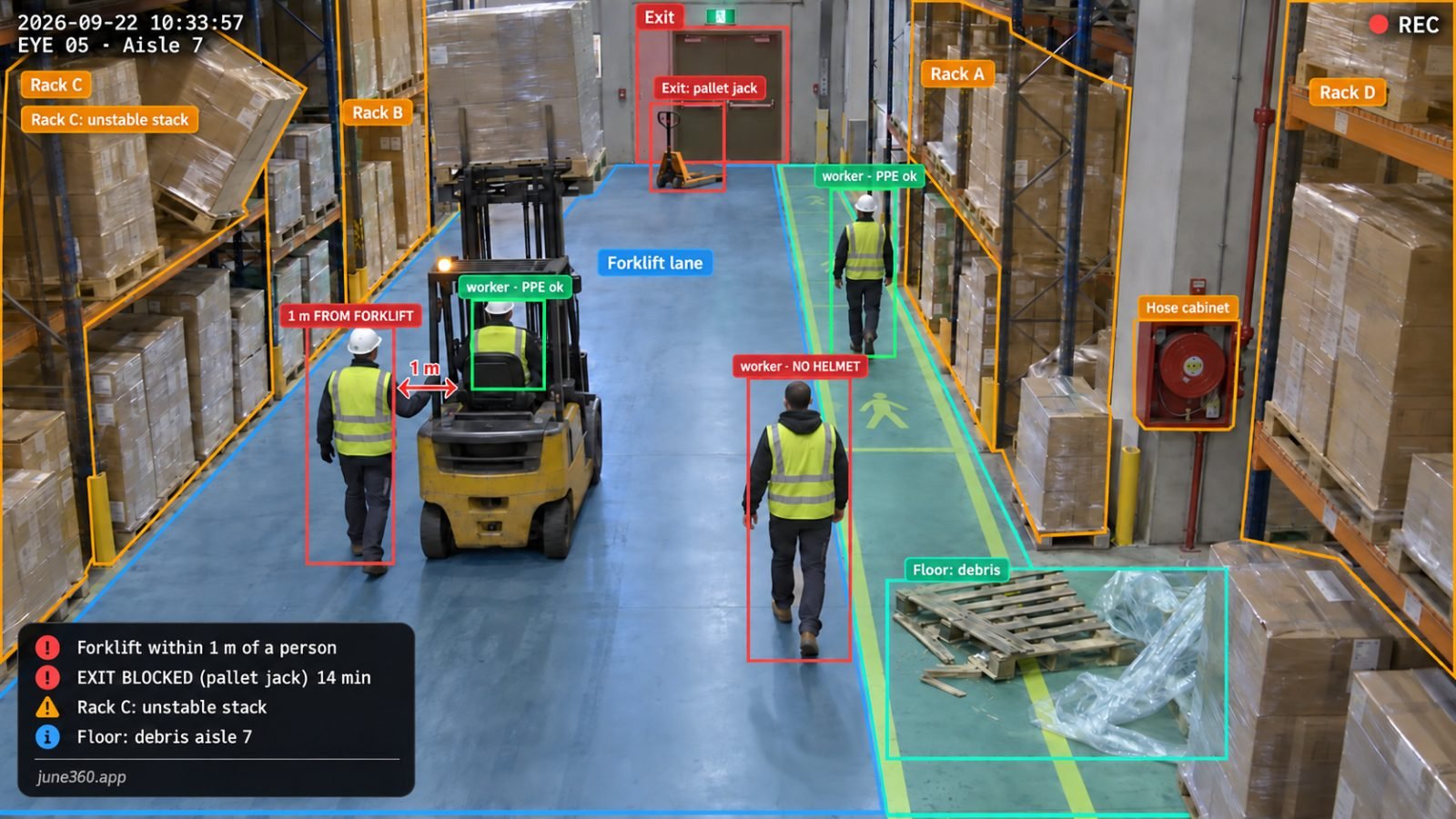
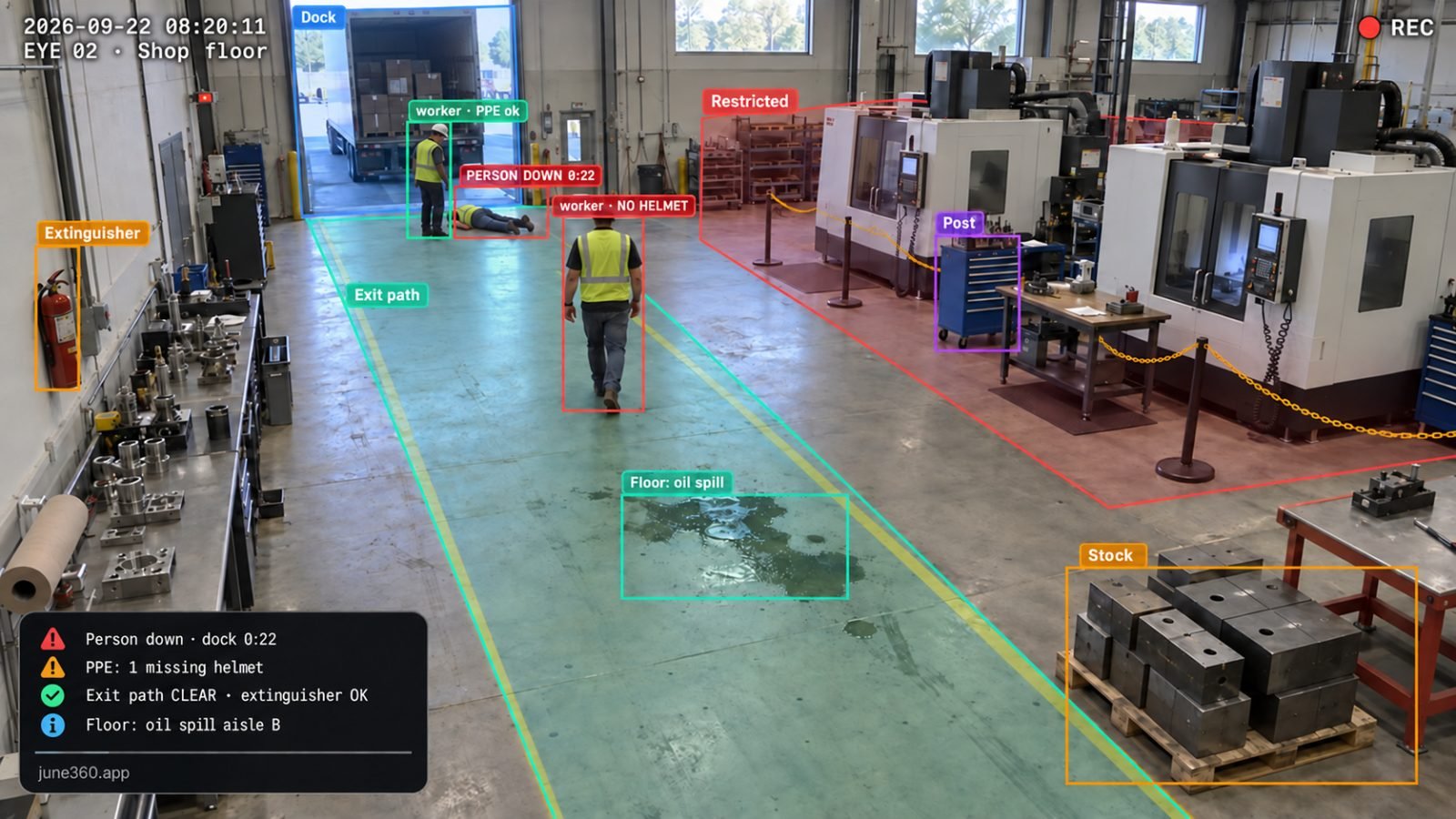
Examples from the six divisions. No face is ever stored: June watches positions, times and things — never who anyone is.
What it can watch
You draw the zones with your finger over the live image. June looks only inside them — outside, nothing.
anyone inside, and for how long
who enters — protective gear is read here
whether someone is covering it, or nobody
boxes, pallets or things blocking it, and since when
people waiting in the loading area, and for how long
What it tells you
With the photo of the moment, to whoever is on shift, and a button to say “on my way”.
- ⛔Someone inside a restricted zone
- 🆘Person on the floor
- 👷Critical post left empty
- 🚧Emergency exit or aisle blocked
- 🌙Someone working alone after hours
- 🦺No helmet or vest in a required zone — coming
Twenty minutes, and done
- 👁️An eye above
Our own camera, mounted high. We don't touch your cameras or your network.
- 📦A box below
With its own internet: if the venue's line goes down, the alert still goes out.
- 📲June calls a person
To whoever is on shift; no answer in 90 seconds, it escalates to the next one.
- ☀️Every morning, the report
What happened last night, how many times, when, and who answered.
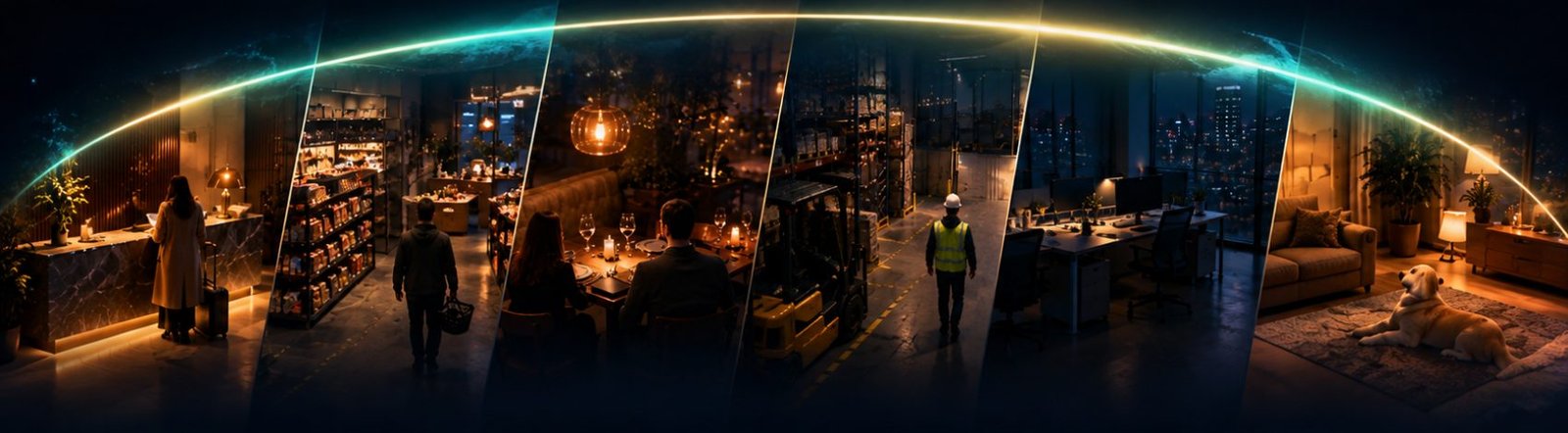
One single eye. Every corner you have.
The same June at the desk, the shelf, the dining room or the warehouse. If tomorrow you want to watch something else, it's another eye — not another system.
We notice — we don't record.
June detects presence, never identity: no face recognition, no stored faces, no video. Only events — and the photo of the moment, if you want it in the alert.
This skin watches the worker, not their absence: employee-monitoring rules by state must be reviewed with counsel before selling.
What everyone asks first
Is this to monitor employees?
This is the skin where you have to be most careful, and we say it straight: here June does watch the person, because the risk is a person in the wrong place. She doesn't identify anyone or recognize faces, but before selling this the employee-monitoring rules in your state must be reviewed with a lawyer.
Do I have to change my cameras or my network?
No. The eye is ours and comes with its own internet connection. We don't touch your cameras or enter your network.
Who gets the alerts?
The people you add, by shift. If the person on duty doesn't answer in 90 seconds, it escalates. Nobody installs an app.
How long does the install take?
Twenty minutes, often less. You draw the zones with your finger over the live image. No construction, no new wiring.
Can I leave whenever I want?
Yes: 30 days free and then month to month, no lock-in. The eye is ours and goes back with a prepaid label.